Configuration
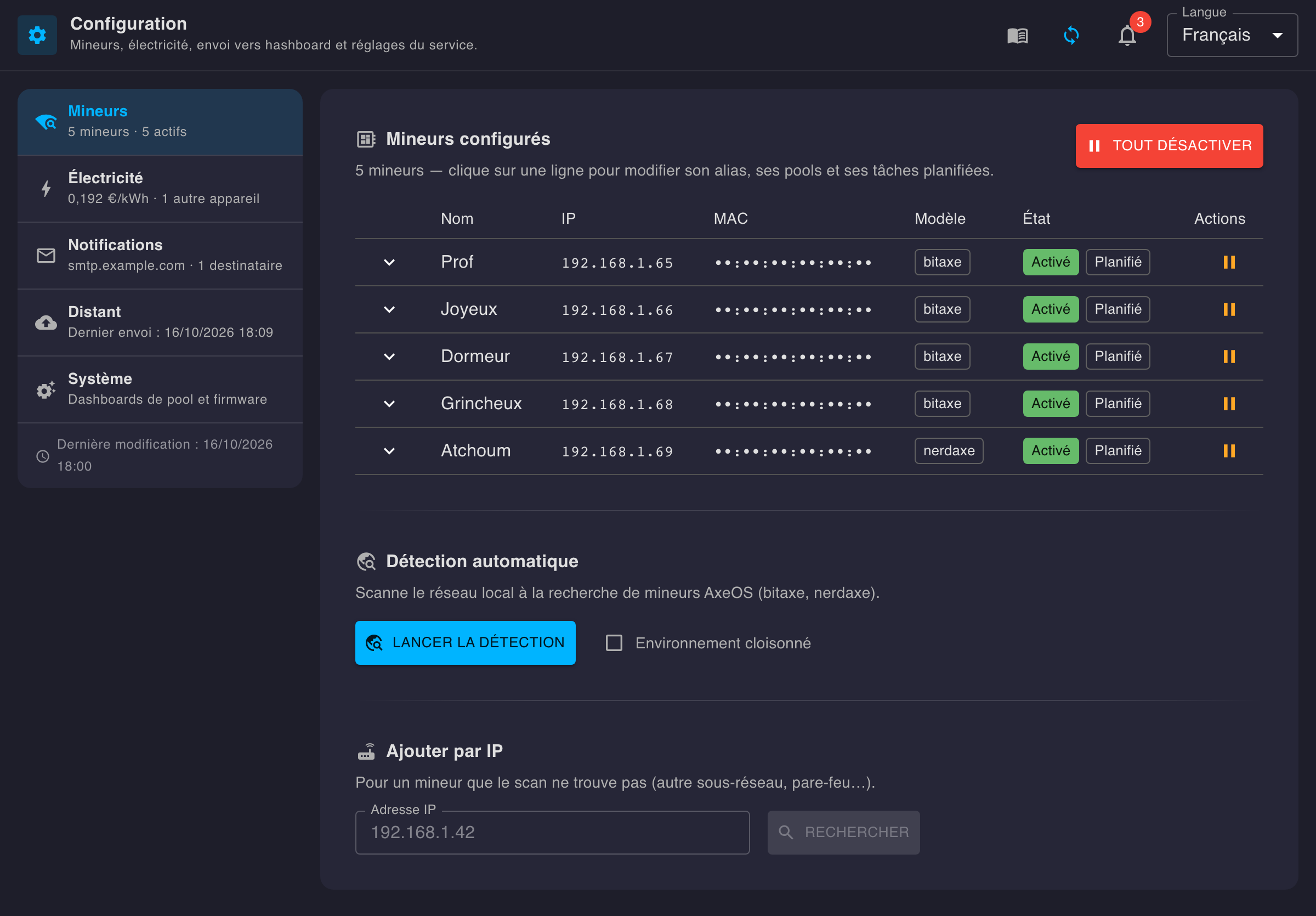
One page, one section at a time: each section is picked from a menu that sums it up in one line, and flags with an orange dot what needs a look (no recipient, audit report failing, pool differing from the configuration…).
🖥️ Miners
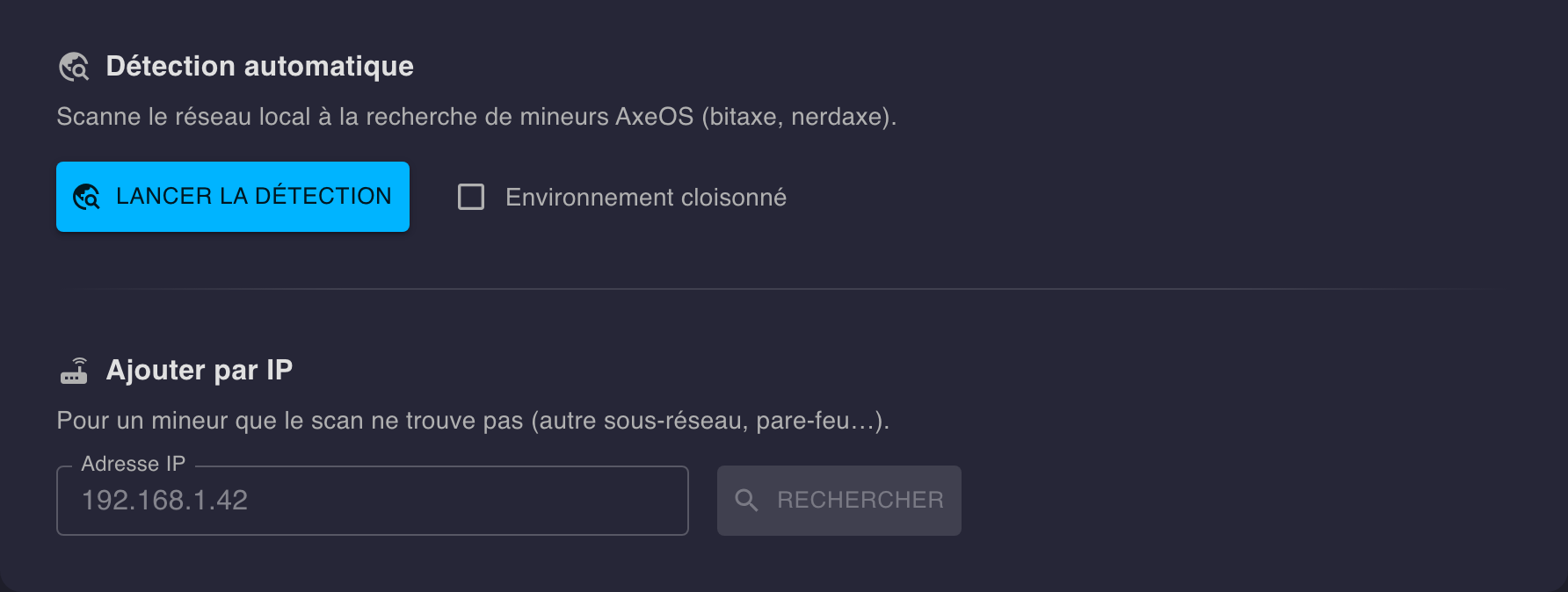
Automatic detection
Scans the local network for AxeOS miners (bitaxe, nerdaxe). A miner that can’t be found this way (different subnet, firewall…) can be added directly by IP, right next to it.
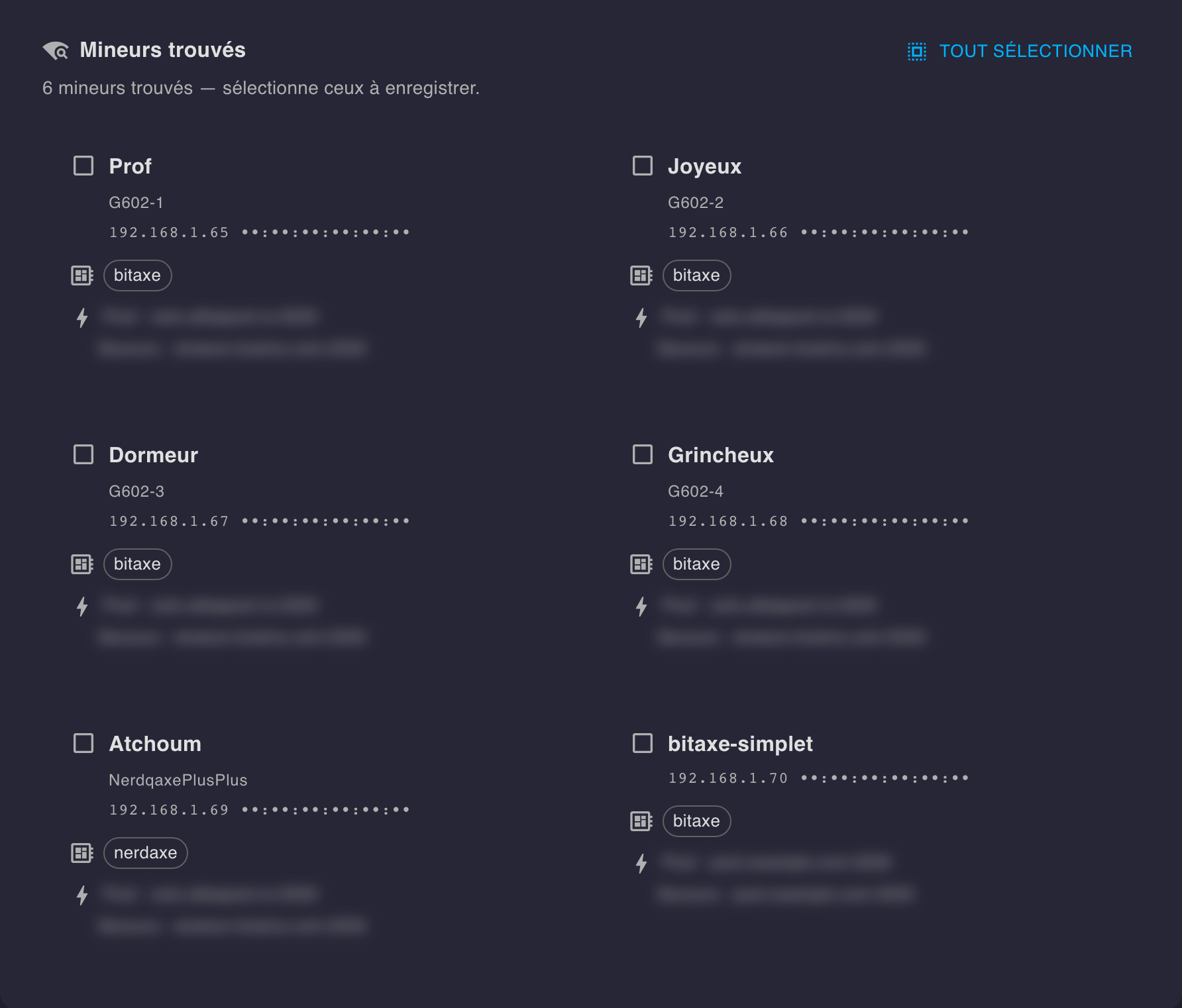
Miners found appear below, ready to be added to the configuration.
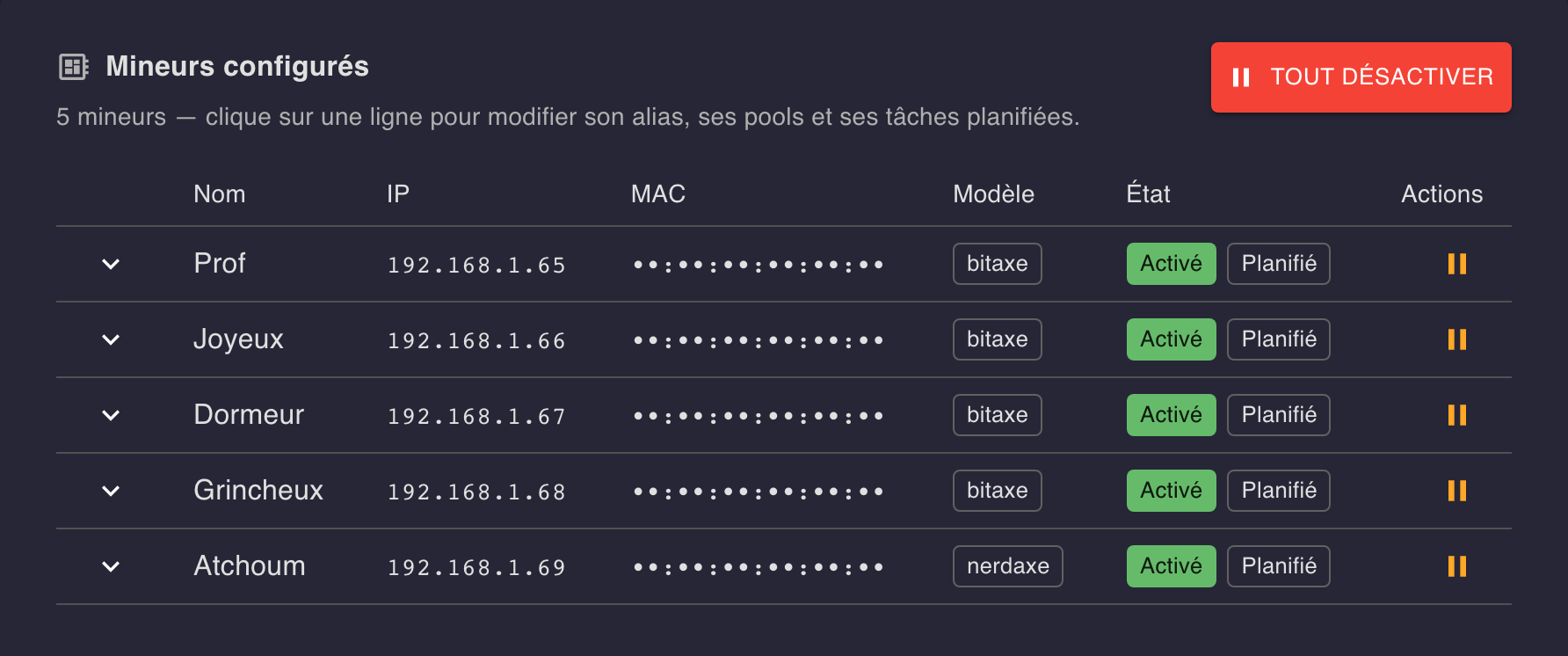
Configured miners
The list of already-configured miners, with their IP, MAC, model and status — enable/disable in one click, per miner or all at once.
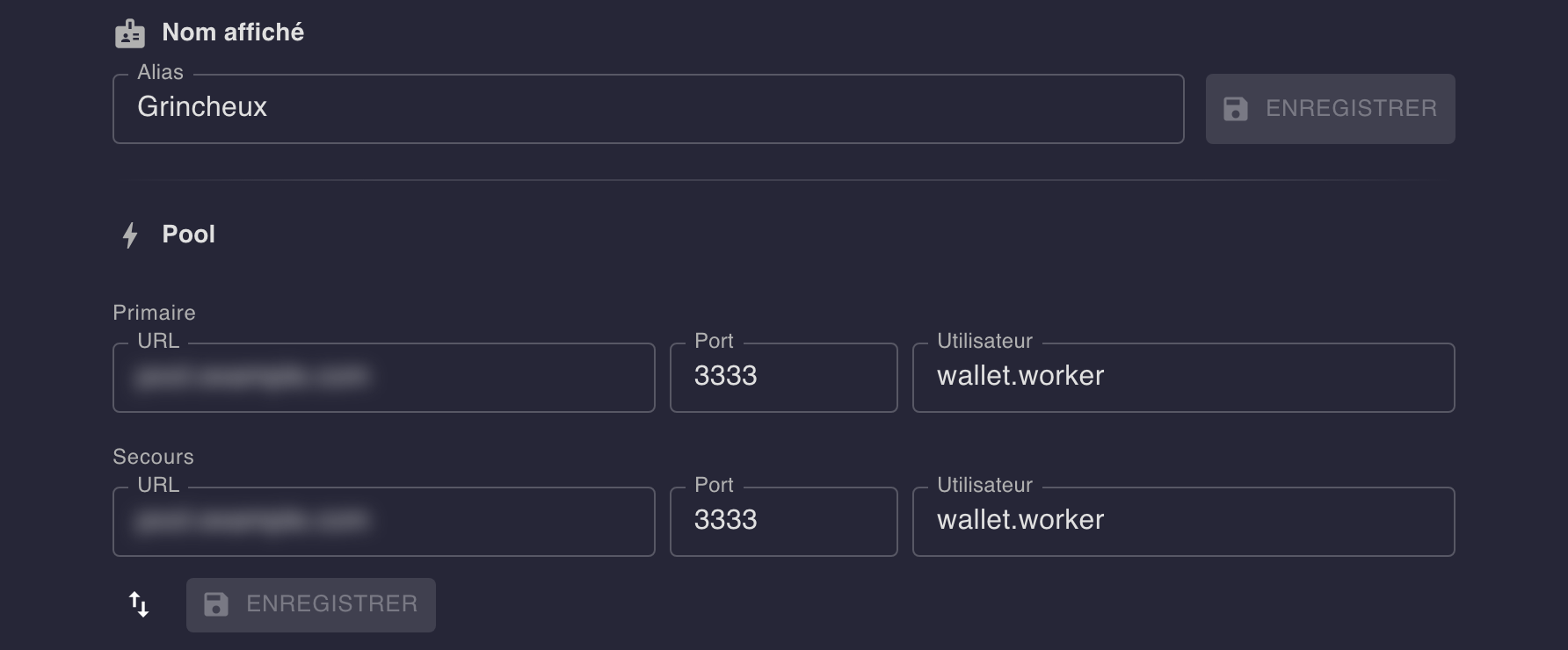
Name and pools
Clicking a miner expands its editor: display name, and primary / fallback pool (URL, port, user).
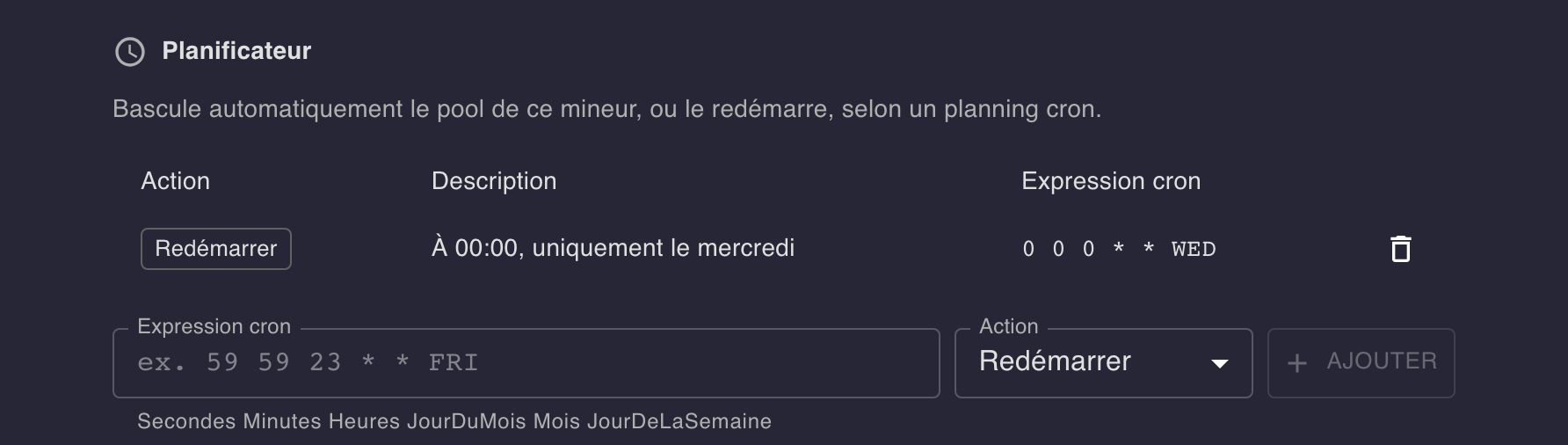
Scheduler
Schedules a pool switch or a restart on a cron schedule.
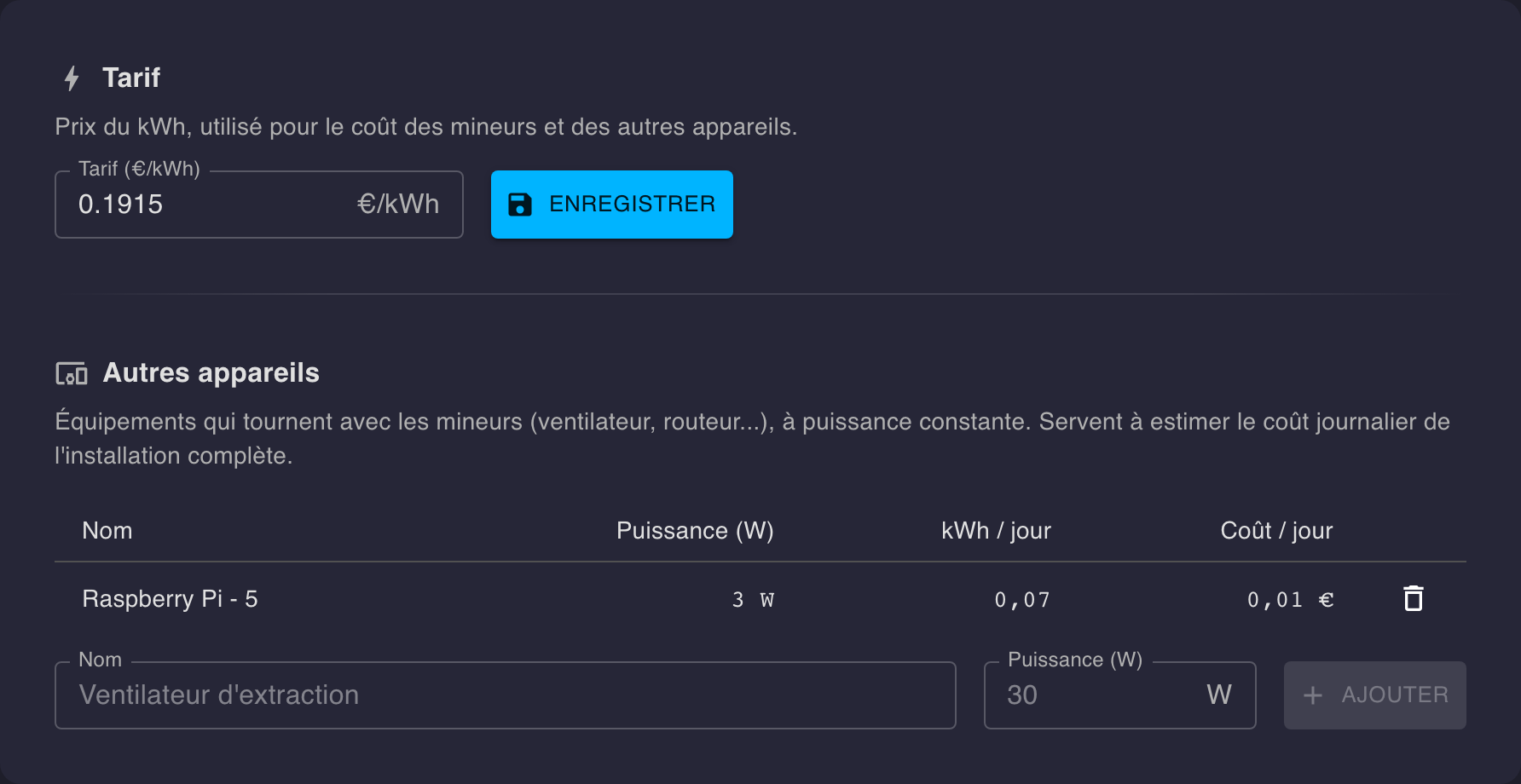
⚡ Electricity
The electricity rate (€/kWh) is used to estimate the daily cost shown on the home screen.
Below the rate, Other devices lets you declare the equipment running alongside the miners (fan, router…) with its power in watts, assumed constant, to estimate the whole installation’s daily cost. A device is saved as soon as it’s added or removed.
✉️ Notifications
Sending mails: the server they go out through, to whom, and the audit report. Every mail goes out from the mailer, a service of its own running alongside the feeder (see Installation).
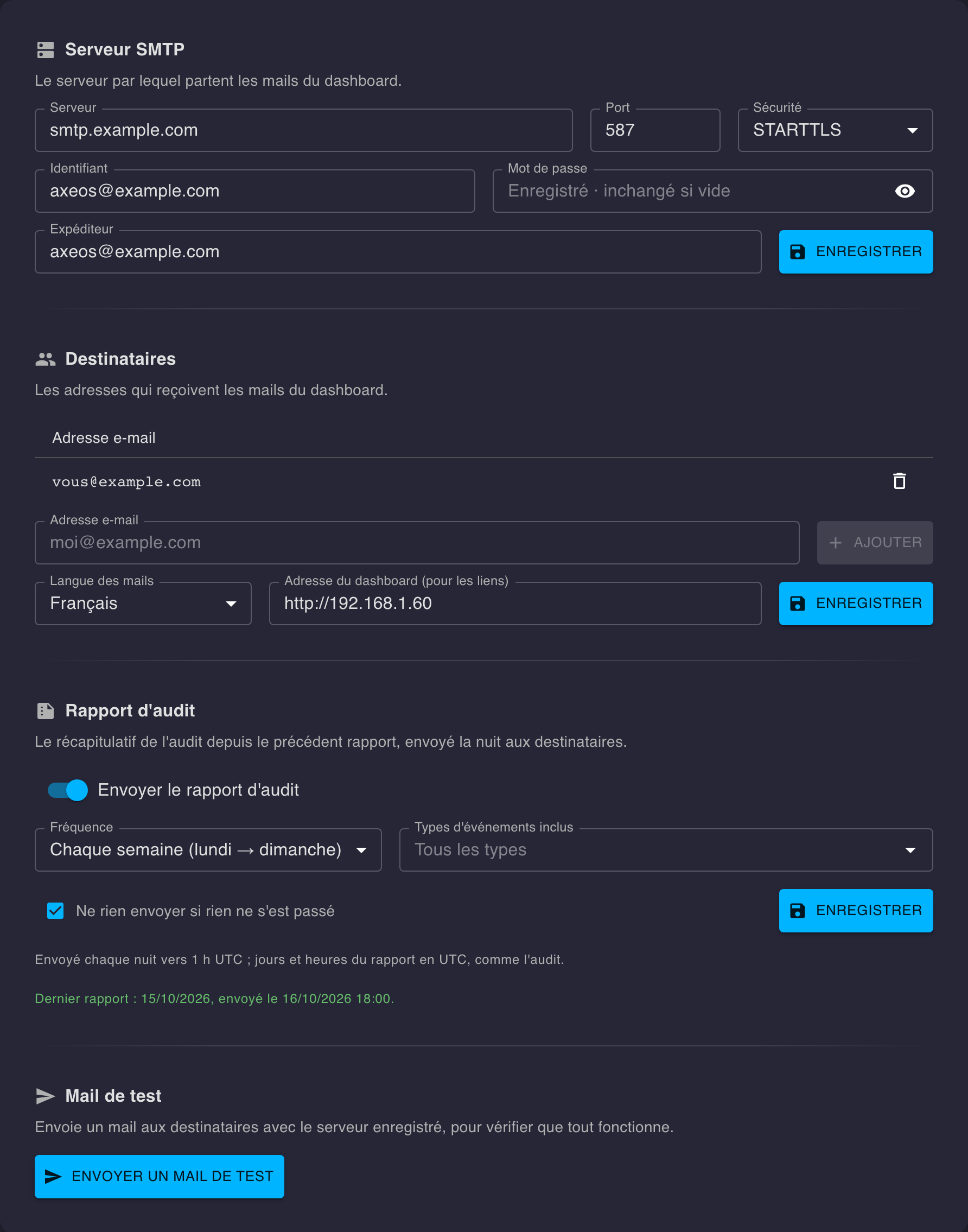
SMTP server
The server mails go out through: host, port, security (STARTTLS, TLS or none — the usual port is offered on each change), username and password if it needs them, and the sender address.
The password is never shown again: left empty on save, the one already saved is kept.
Recipients
The addresses receiving the mails, added under the list and saved right away.
Just below, the mails’ language (French or English) and the dashboard’s address, used for the links in the mails — prefilled with the address the page is open at.
Audit report
A mail summing up the audit since the previous one, grouped by type:
- Frequency — every day, every 2 days, every week (Monday to Sunday) or every month; sent around 1 a.m. (UTC), the period it covers having just closed.
- Types — all by default, or only the ones picked.
- Send nothing if nothing happened — skips an empty period.
Below the setting, when it was last sent, or the last failure with its reason — a failure is retried every hour. Each report sent, or failing, also shows in the audit.
Test mail
Sends a mail to the recipients through the saved server, to check everything works — the mailer included. A small notification confirms it went out; on a failure, it gives the SMTP server’s reason, with a button to copy it.
Mails’ texts
Each mail’s subject and text are in editable files, in the mail-templates/ folder next to dashboard.yml — one file per mail and language:
mail-templates/
├── audit-report.fr.txt
├── audit-report.en.txt
├── test-mail.fr.txt
└── test-mail.en.txt
The mailer creates the missing ones when it starts and never touches an existing file; it reads them again on every send, no restart needed.
# Lines starting with # are comments
Subject: AxeOS Dashboard — {{title}}: {{count}}

{{title}} — {{count}}

{{events}}

Open in the dashboard: {{link}}
- The
Subject:line is the mail’s subject; after the blank line, its text. - Each
{{variable}}is replaced on sending — each mail’s variables are listed in comments at the top of its file ({{date}},{{events}},{{link}}…). - A line whose variable is empty disappears (the link, with no dashboard address).
- To go back to the original text, delete the file: it’s created again the next time the mailer starts.
☁️ Remote (hashboard.live)
Sends your miners’ stats to hashboard.live so you can follow your fleet from anywhere, no VPN needed — just paste the push URL and your API key.
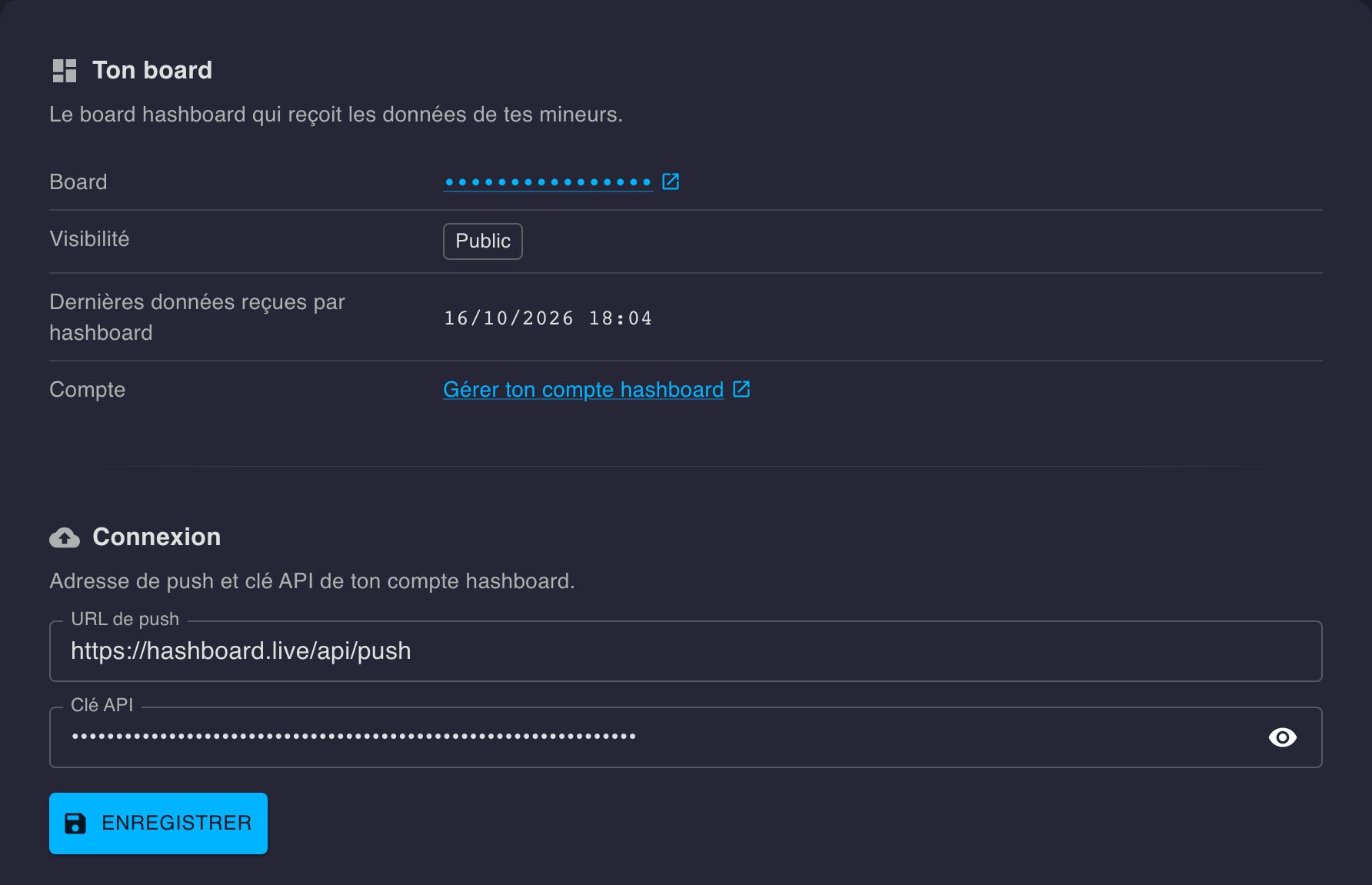
Once the push is set up, the section also shows Your board: the board ID (click to open it), whether it’s public or private, when hashboard last received data, and a link to your account.
The board is your fleet’s home page — 24h hashrate, KPIs, miners’ status, pools and the miner list — refreshed automatically, in the browser’s language.
And your hashboard board shows in the dashboard itself:
- Menu — under AxeOS · D#hashboard, the board ID (click to open the board), whether it’s public or private, and a link to your hashboard account.
- Home — under the page title, an Open the remote board link and when hashboard last received data.
⚙️ System
Pool dashboards
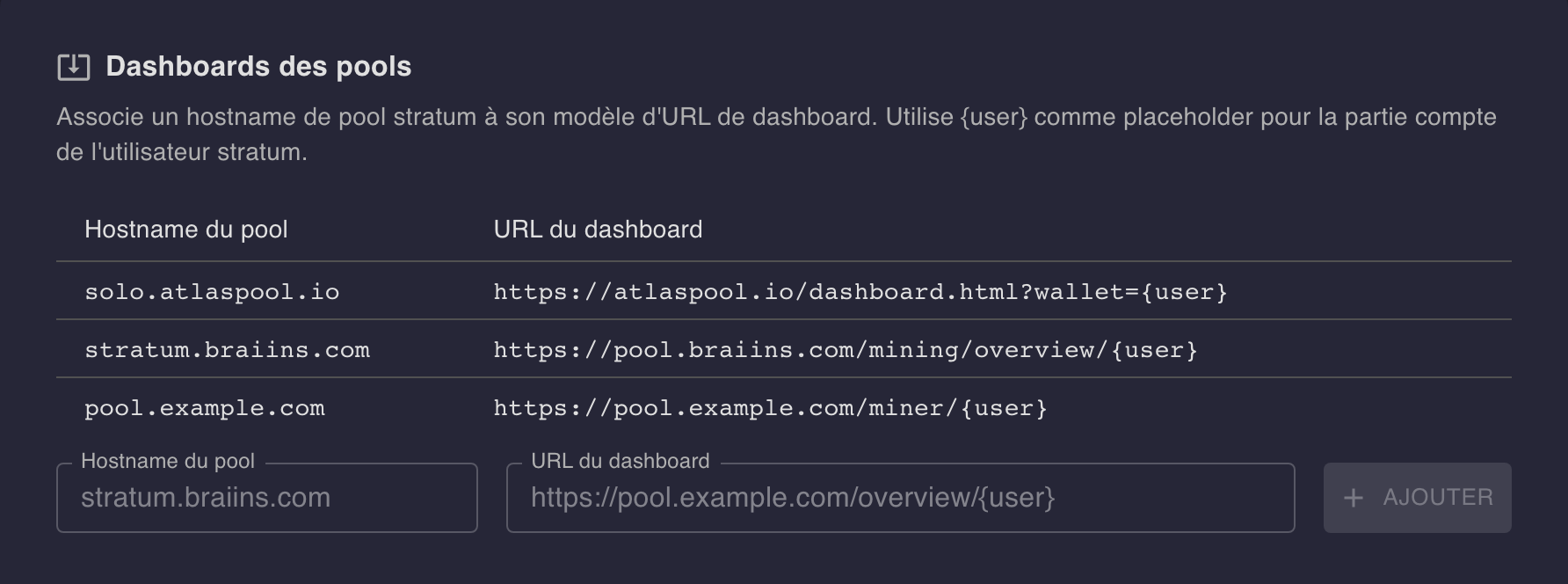
Some pools already have a clickable link built in (Braiins, Atlas…). For a pool the app doesn’t natively recognize, you can add your own mapping between its hostname and its dashboard URL, with {user} as a placeholder for the stratum user’s account part — the link then becomes clickable in the list and details of the miners using that pool.
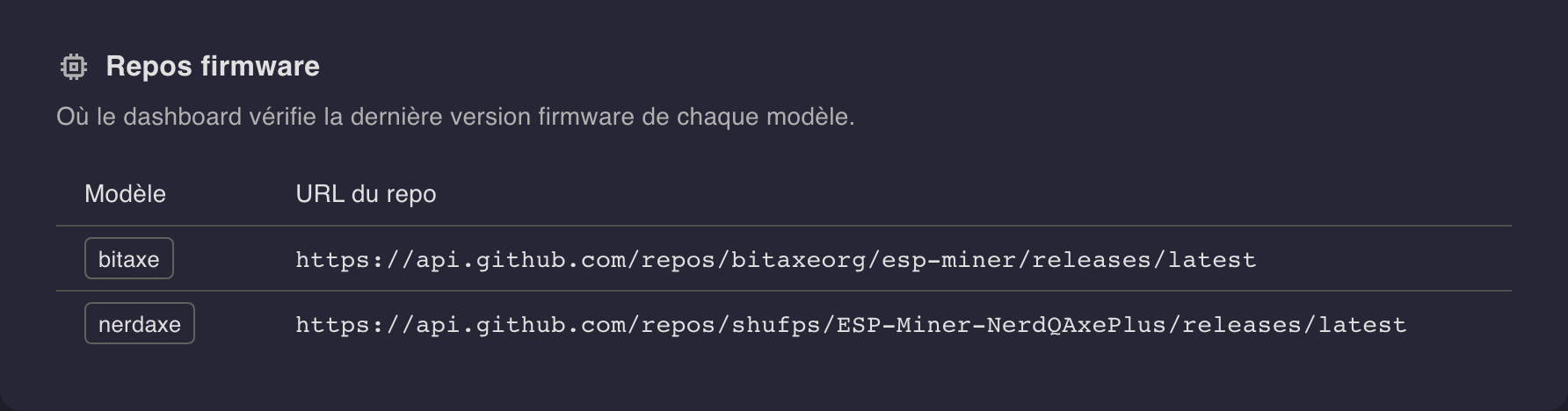
Firmware repos
Where the dashboard checks each model’s latest firmware version (a GitHub release) — built into the app, shown read-only.